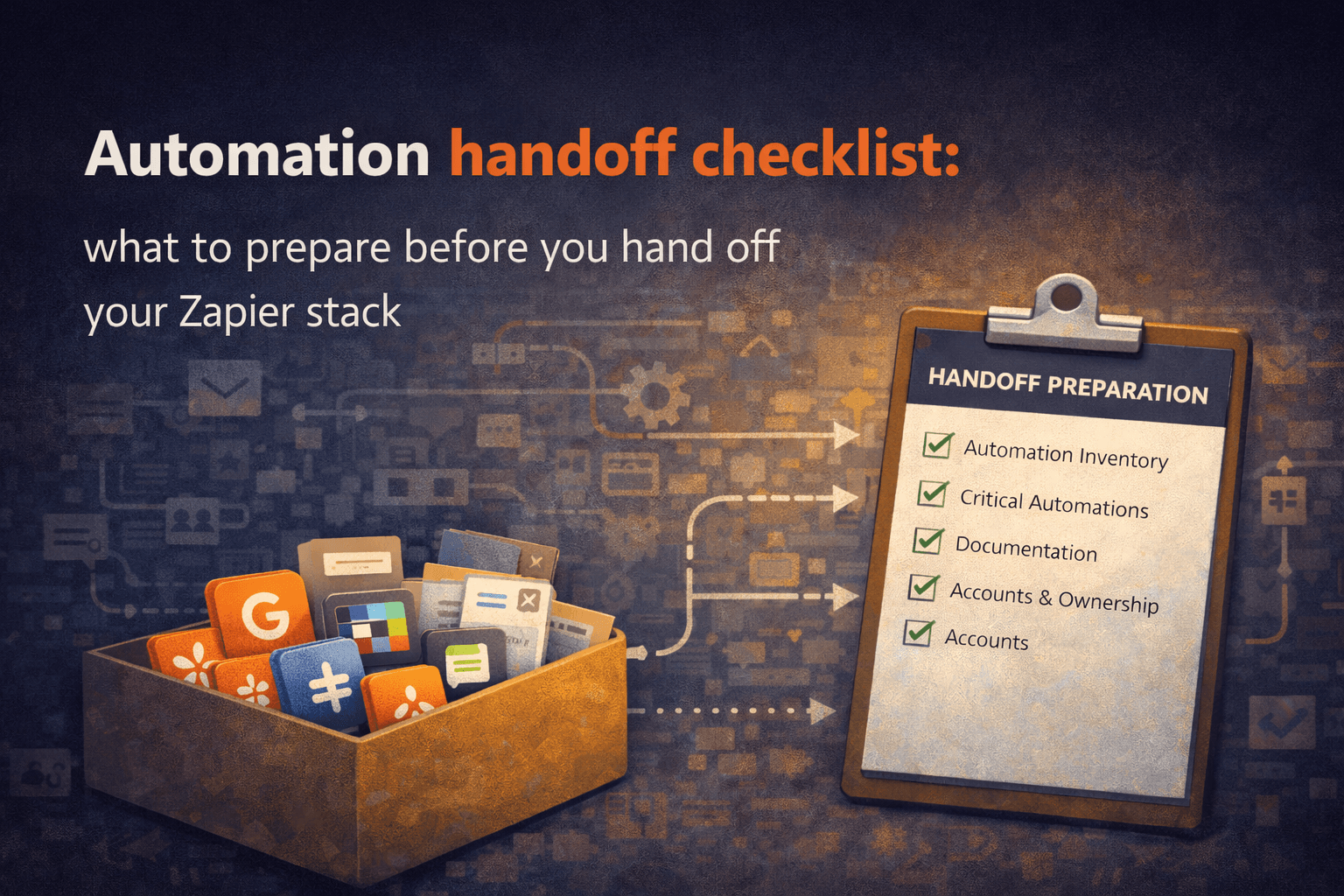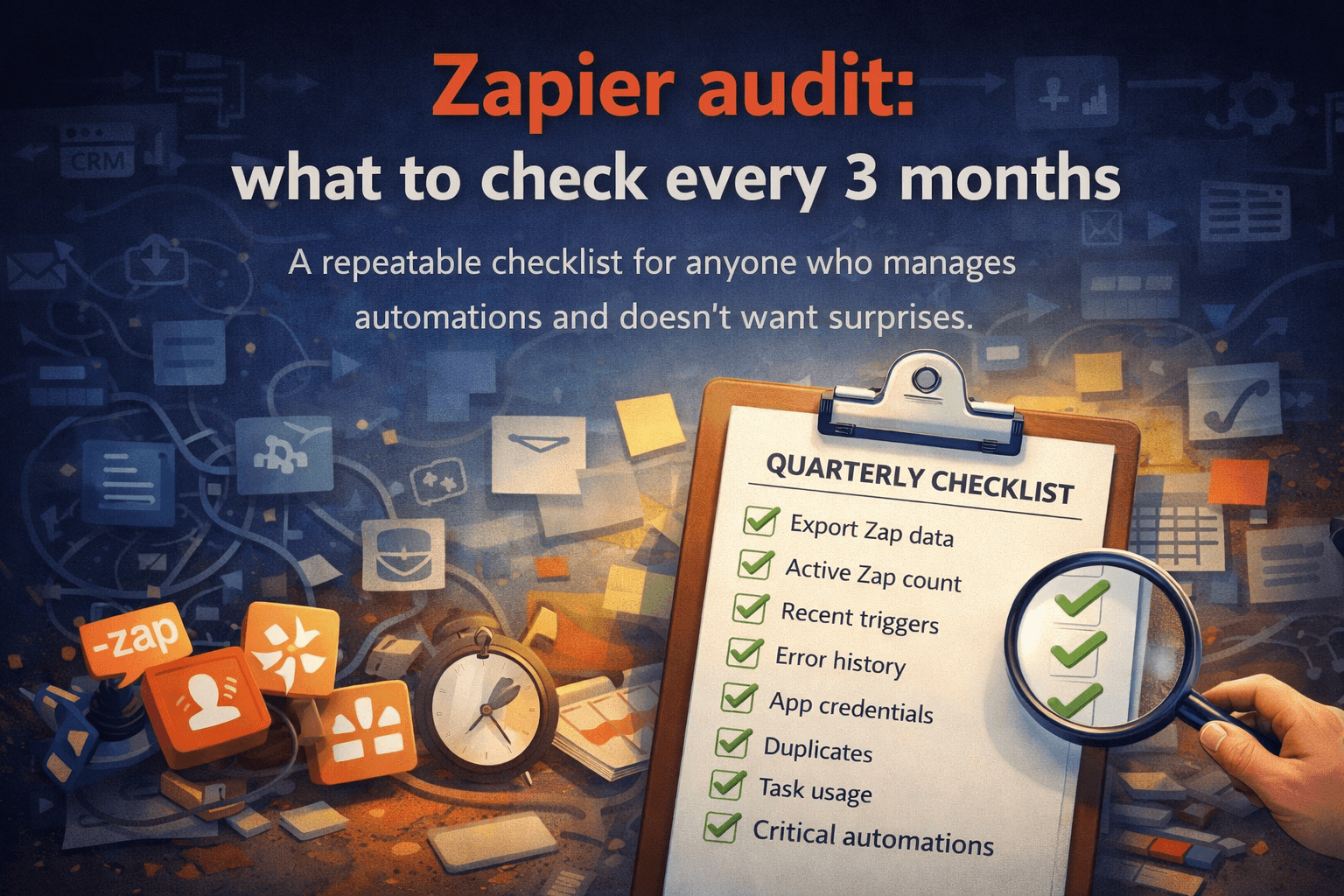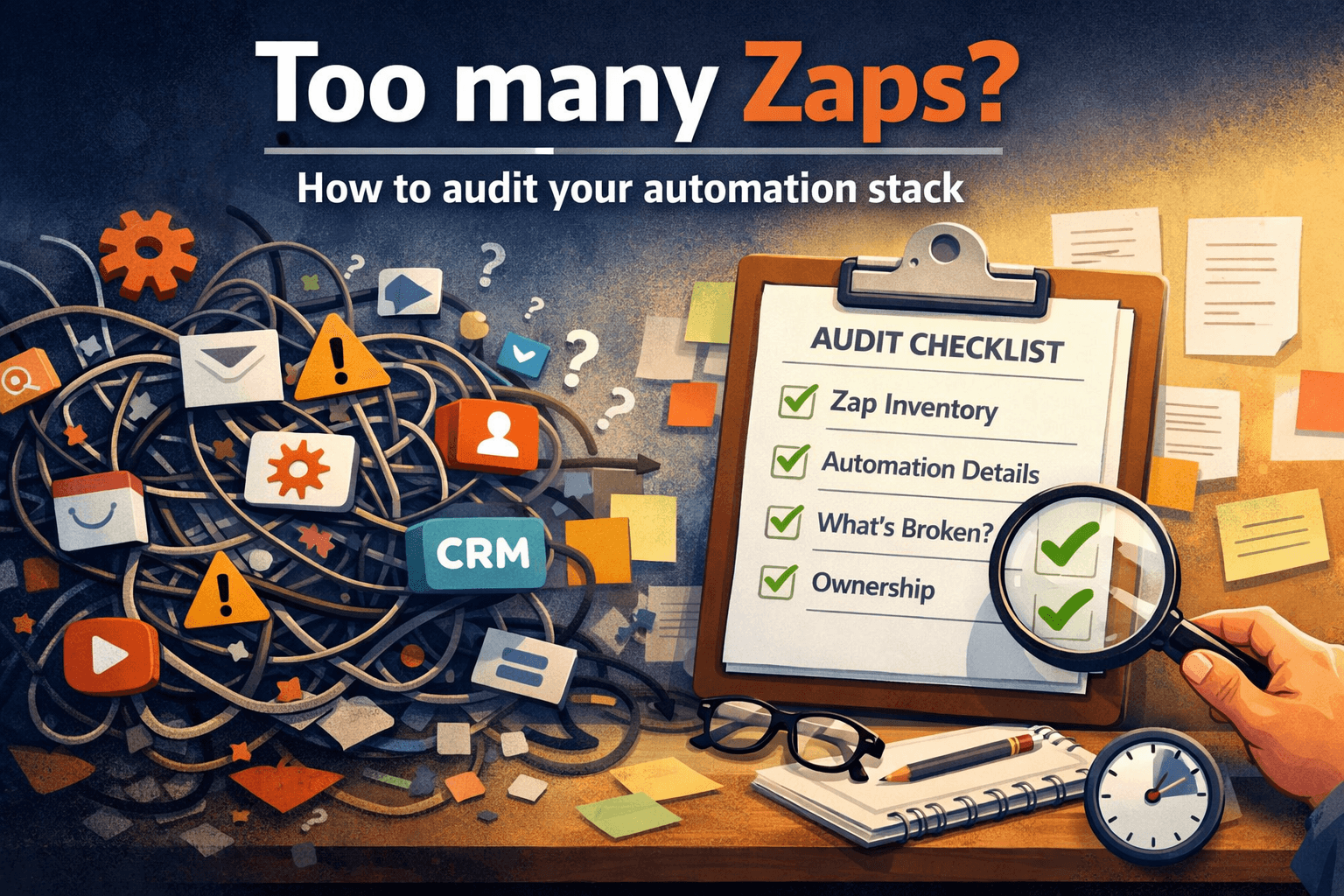

Zapier documentation: how to document automations properly
Most teams don't have an automation problem.
They have a documentation problem.
Zapier documentation, workflow documentation, and automation audits are often treated as optional extras — something you'll get to eventually. This article is about why that's a mistake, and what proper automation documentation actually looks like in practice.
The automations usually work. Data moves, emails send, deals get updated. Everything runs quietly in the background.
Until something breaks. Or someone leaves. Or a process needs to change.
That's when companies discover the hard truth: nobody actually knows how the automations work. The person who built them knows. Everyone else is guessing.
I've seen Zapier accounts with 200+ active Zaps where every single one is either unnamed or called something like "Copy of Copy of Lead sync v3." No descriptions. No owner. No record of why any of it was built the way it was. The automations work — but the knowledge is entirely locked inside one person's head.
Documentation fixes this. Not because it's tidy, but because it's the difference between automation as personal knowledge and automation as company infrastructure.
The biggest documentation mistake
Most people document tools instead of processes.
Bad documentation:
Zap: New Typeform entry → Create row in Google Sheets → Send Slack message
Good documentation:
When a new lead fills the website form, they're added to the CRM, assigned to sales, and a Slack notification goes to the sales channel.
The first version describes what's connected. The second describes what actually happens for the business. Non-technical people should be able to read your documentation and understand it. If only the person who built the Zap understands the documentation, the documentation failed.
Documentation is not for the builder.
Documentation is for the next person.
What every Zap should have documented
Business purpose
Why does this automation exist? What would break if it stopped?
This automation processes new website leads and sends them to the CRM so the sales team can contact them quickly.
This is the most important field. Without it, people see the steps but not the reason — and six months later, nobody remembers whether it's safe to change.
Trigger and actions
What starts the automation, and what does it do.
Trigger: New form submission (website contact form)
Actions: Create contact in HubSpot → Assign owner → Send Slack notification
Keep it short. One line per action is enough.
Owner
Who is responsible for this automation? Who do you call when it breaks?
This is almost always missing, and it's one of the most dangerous gaps. Every Zap should have a named owner — not "the ops team," a specific person. And ideally a backup.
Automations without owners become abandoned infrastructure.
Dependencies
This is where most automation systems become fragile without anyone realizing it.
Automations are rarely isolated. Zap A triggers Zap B, which triggers Zap C. If you turn off Zap A, you might silently break two other processes downstream. Nobody knows because nobody mapped it out.
Document what each Zap depends on and what depends on it. Even a simple note like:
This Zap feeds into the invoicing flow.
is worth having.
What happens if this stops
If this Zap stops, new leads will not enter the CRM and sales will not be notified.
One sentence. Suddenly management understands why this matters. This field alone changes how people think about automation risk.
Zap-level documentation is not enough
Documenting individual Zaps is a start. But you also need to be able to answer questions at the system level:
How does a lead become a customer?
How does an invoice get created?
Which automations are critical and which are nice-to-haves?
What would break first if the person who built all of this left tomorrow?
Which processes run entirely on automations?
If you can't draw your automation system on one page, you don't fully understand it yet. That's not a criticism — it's just where most companies are. The documentation process itself forces clarity.
Documentation is not just recording reality.
Documentation is how you discover how your system actually works.
The real goal
The goal isn't documentation for its own sake.
The goal is that your company can operate even if the person who built the automations isn't available. Someone else can maintain the system. Someone else can modify it. A new hire can understand what exists and why. You can run an automation audit and actually know what you're looking at.
Automations built without documentation are personal projects.
Automations with documentation are infrastructure.
Building automations makes companies faster.
Documenting them makes companies stable.
Most companies invest heavily in the first part and skip the second entirely — until something forces the issue.
Final thought
Most companies don't run on software.
They run on automations someone built years ago.
And most of those automations are undocumented, unowned, and quietly critical.
The biggest risk in your automation stack is not Zapier.
It's that only one person understands how everything works.
Most companies don't run on software.
They run on automations someone built years ago.
I write about automation documentation, automation audits, and the operational risk hidden inside everyday workflows.
If you want visibility into your Zapier automations, you can run an automation audit or generate a Continuity Report at relayreports.app.