
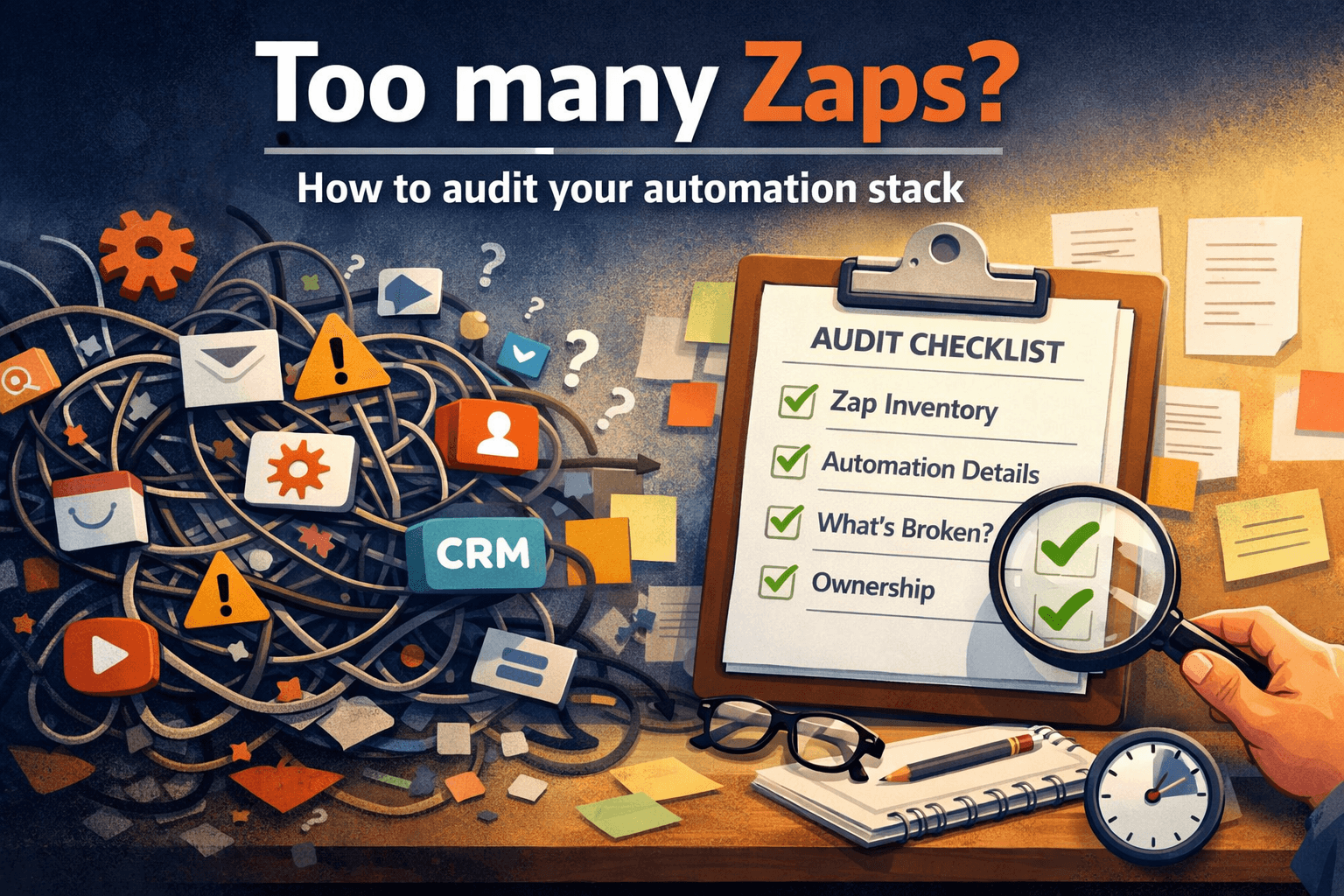
Too many Zaps? How to audit your automation stack
Most automation audits never happen. Here's one that actually takes less than an hour.
At some point, the number of automations your company runs stops being a sign of progress and starts being a liability.
Not because automation is bad. Because automation without oversight is just scheduled chaos you haven’t looked at in a while.
If you’ve never done a proper audit of your Zapier stack — or any automation platform — this is how to do one that’s actually useful, without turning it into a three-week project.
Why most automation audits never happen
The standard advice is “document everything as you go.” It’s correct and completely useless, because almost nobody actually does it.
The realistic version looks like this: You built automations when you needed them, they mostly worked, and now you have a stack that’s grown organically over two or three years with no map and no ownership structure.
An audit feels overwhelming because you assume it has to be comprehensive. It doesn’t.
A useful automation audit answers four questions. That’s it.
The four questions your automation audit needs to answer
1. What do you actually have?
Start with an inventory. Not an analysis — just a list.
Export your Zap list from Zapier Settings → Data Management → Export
Open it and count.
Most people are surprised by the number. Some Zaps in that list haven’t run in months. Some have names that tell you nothing about what they do. A few you genuinely don’t remember creating.
Just getting the full picture in one place is the first useful thing you’ll do.
2. What is each automation actually doing?
This is where most people get stuck — because the answer requires opening each Zap and reading through it, which is slow and tedious.
What you’re looking for is simple:
What triggers it
What it does
What system it affects
Trigger → Action → Outcome
If you can’t explain what a Zap does in plain English in 30 seconds, that Zap needs documentation before anything else.
3. What’s broken, redundant, or unnecessary?
Look for these first:
Zaps that haven’t triggered in 30+ days
Zaps with recent errors that were never resolved
Zaps that do the same thing as another Zap
Zaps tied to apps your company no longer uses
Zaps authenticated under personal email accounts
Zaps owned by employees who already left
These are your immediate risk areas.
Not every one needs to be fixed today, but every one is technical debt.
4. Who owns what?
For each automation that matters — anything touching revenue, customer communication, or financial data — there should be a name attached to it.
Not “the ops team.” A person.
If something breaks at 9pm, who gets the call? If that person leaves, who takes over?
If you can’t answer that for your critical automations, you don’t have an ownership problem — you have a single point of failure problem.
What to do with what you find
After the inventory, most automations fall into one of four categories:
Healthy Running correctly, documented, owned → Leave it alone.
Broken Erroring or not triggering → Fix it or turn it off.
Redundant Doing the same job as another automation → Pick one, document it, turn the other off.
Undocumented Running fine but nobody can explain what it does → This becomes your documentation backlog. Start with the automations that touch revenue.
You don’t have to fix everything in one session. A useful audit ends with a prioritized list, not a perfect system.
How often should you audit automations?
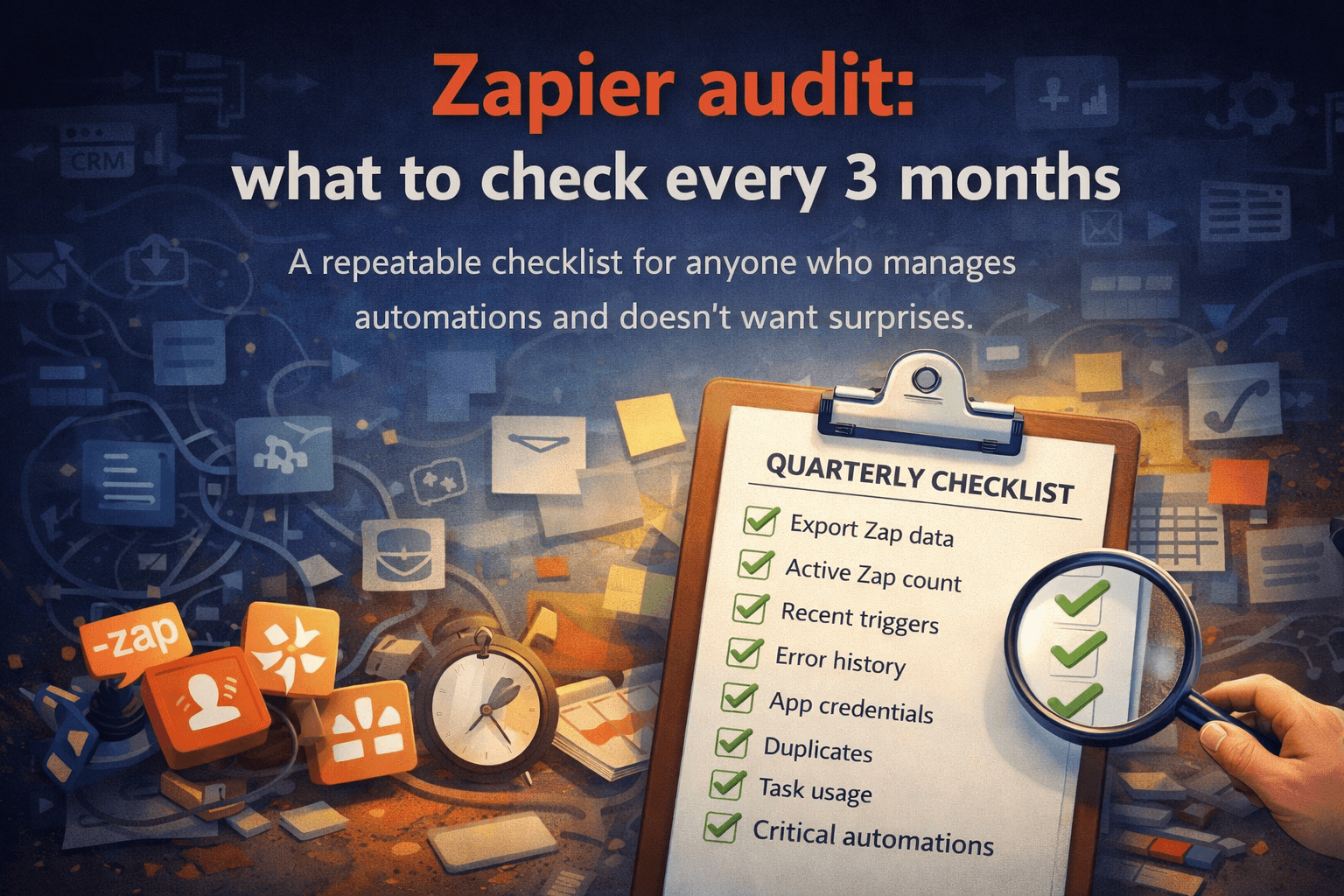
Once a quarter is the right cadence for most companies with 20+ active automations.
Not because things break that often — but because:
APIs change
Apps update
Team members change
Business processes change
Old automations become wrong automations
A Zap that made sense in Q1 might be actively wrong by Q3.
Quarterly audits also force documentation. If you know you’ll review everything in three months, you’re more likely to write down what you built while you still remember why.
The audit you won’t do vs. the audit that actually happens
The audit you won’t do:
Open every Zap individually
Write manual documentation for each one
Build a master spreadsheet
Schedule meetings to review everything
The audit that actually happens:
Export your Zap data
Generate inventory and documentation automatically
Review the output
Prioritize fixes
Same result. A fraction of the time.
Start with the export
Everything starts with the same step:
Settings → Data Management → Export
It takes 30 seconds and gives you everything you need to start.
From there, you either do the audit manually — slow but free — or you use a tool to generate the audit automatically.
Either way, the export is step one. Most companies never get there because the whole thing feels too big.
It isn’t. It’s a ZIP file and an hour of honest attention.
Automation audit from your Zapier export
Relay turns your Zapier export into an automation audit automatically — health score, broken workflows, redundant Zaps, plan waste, and priority fixes.
Locally, in your browser, in about 30 seconds.
Run your free Automation Audit → relayreports.app