
Automation handoff checklist: what to prepare before you hand off your Zapier stack
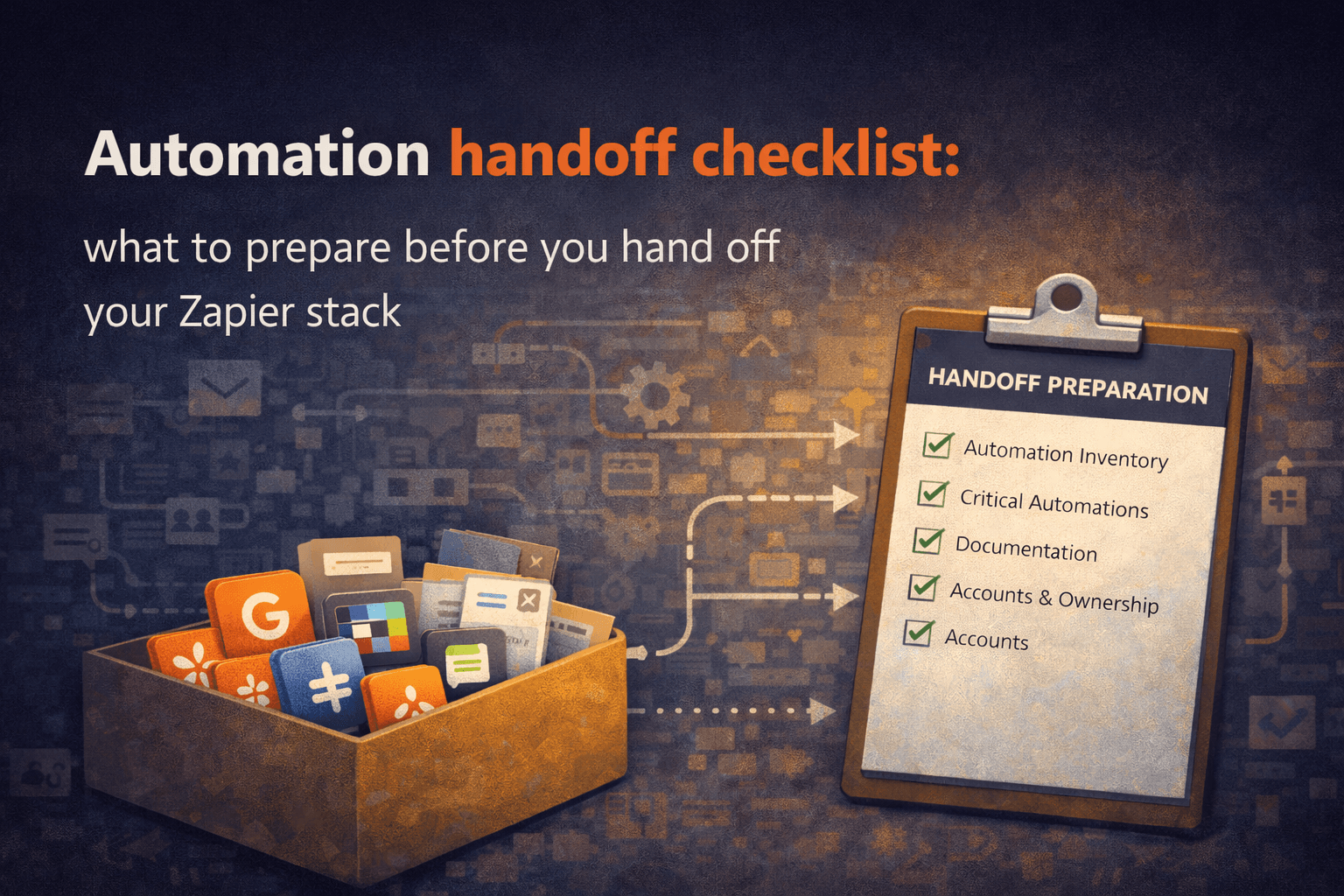
How to hand off your automations without losing everything in the process.
Automation handoffs almost never happen under ideal conditions.
Nobody says, “In three months I will calmly hand over all my automations with perfect documentation.”
Handoffs usually happen when someone leaves, changes roles, goes on parental leave, or when the company suddenly realizes that one person understands a system the whole business depends on.
That’s when everyone starts asking questions that should have been answered months earlier.
What automations do we have?
Which ones are critical?
What breaks if this stops?
Who owns this now?
How do we fix it if it fails?
If those questions don’t have clear answers, the handoff becomes reverse engineering instead of a transition.
This checklist is how to avoid that.
Step 1: Create a full automation inventory
Before you can hand anything off, you need to know what exists.
Export your automation data:
Zapier → Settings → Data Management → Export
Make → Scenarios list export
n8n → Workflow export
Create a simple inventory list with:
Automation name
Platform (Zapier / Make / n8n)
Trigger
Main action
Systems affected (CRM, Slack, Email, Billing, etc.)
Owner
Most teams don’t have a full list of their automations anywhere.
The handoff is the moment when this list finally gets created.
Step 2: Identify critical automations
Not all automations are equal.
Some are nice-to-have.
Some are business-critical.
Mark any automation that affects:
Leads entering the CRM
Customer onboarding
Invoices / billing
Payments
Customer communication
Reporting for management
Internal alerts for operations
Data synchronization between systems
These are critical automations.
If one of these breaks, the business is affected immediately or within days.
These should be documented first and tested first.
Step 3: Document each automation in plain English
You don’t need a technical spec.
You need context.
For each important automation, document:
What triggers it
What it does
Why it exists
What systems it connects
What happens if it stops
How to test if it’s working
How to fix the most common failure
If someone new can read that and understand the automation in two minutes, the documentation is good enough.
Documentation is not for the person who built it.
It’s for the person who inherits it.
Step 4: Review connected accounts and credentials
This is where many handoffs fail.
Check every connected app and account:
Google
Slack
HubSpot
Salesforce
Stripe
Gmail
Notion
Airtable
etc.
Ask:
Is this connected through a personal account or a shared/service account?
Who owns the credentials?
What happens if this account is disabled?
Do we have access to the credentials?
Automations connected to personal email accounts are a major risk.
When that person leaves, automations break.
Before the handoff, critical automations should be connected to shared accounts, not personal ones.
Step 5: Define ownership
Every important automation needs an owner.
Not a team.
Not “operations.”
A person.
Ownership means:
You get notified when it breaks
You are responsible for updates
You approve changes
You are the first person people contact when something is wrong
Without ownership, automations become “everyone’s responsibility,” which means they become nobody’s responsibility.
Step 6: Test critical automations before the handoff
Before the handoff is complete, manually test the most important workflows.
Trigger them.
Check the output.
Verify the data mapping.
Confirm notifications are sent.
Confirm records appear in the right system.
This step alone catches many silent failures.
Never assume an automation is working just because it hasn’t errored recently.
Step 7: Create a simple handoff document
At minimum, your handoff document should include:
Automation inventory list
Critical automations list
Owners for each automation
Connected accounts overview
Common failure points
How to run a quarterly automation audit
Where documentation is stored
Who to contact for each system
This document is what makes the system transferable.
Without it, the company is dependent on a person.
With it, the company owns the system.
Automation handoff checklist
Use this checklist before any automation handoff:
□ Export automation data
□ Create full automation inventory
□ Identify critical automations
□ Document each critical automation
□ Review connected accounts and credentials
□ Move critical automations to shared/service accounts
□ Assign owner for each automation
□ Test critical workflows manually
□ Create automation handoff document
□ Schedule quarterly automation audit
If you can check all of these boxes, the handoff will go smoothly.
If you can’t, the handoff will turn into reverse engineering.
The real goal of an automation handoff
The goal is not documentation.
The goal is not an audit.
The goal is not a spreadsheet.
The goal is simple:
The business should not depend on one person to understand how its automations work.
If that’s true, the handoff was successful.
If that’s not true, the handoff hasn’t happened yet — even if the person already left.
Automation handoff documentation from your Zapier export
Relay generates automation documentation and a handoff report automatically from your Zapier export — workflows, dependencies, owners, risks, and documentation.
Locally, in your browser, in about 30 seconds.
Generate your Handoff Report → relayreports.app