
How companies lose money because of broken automations
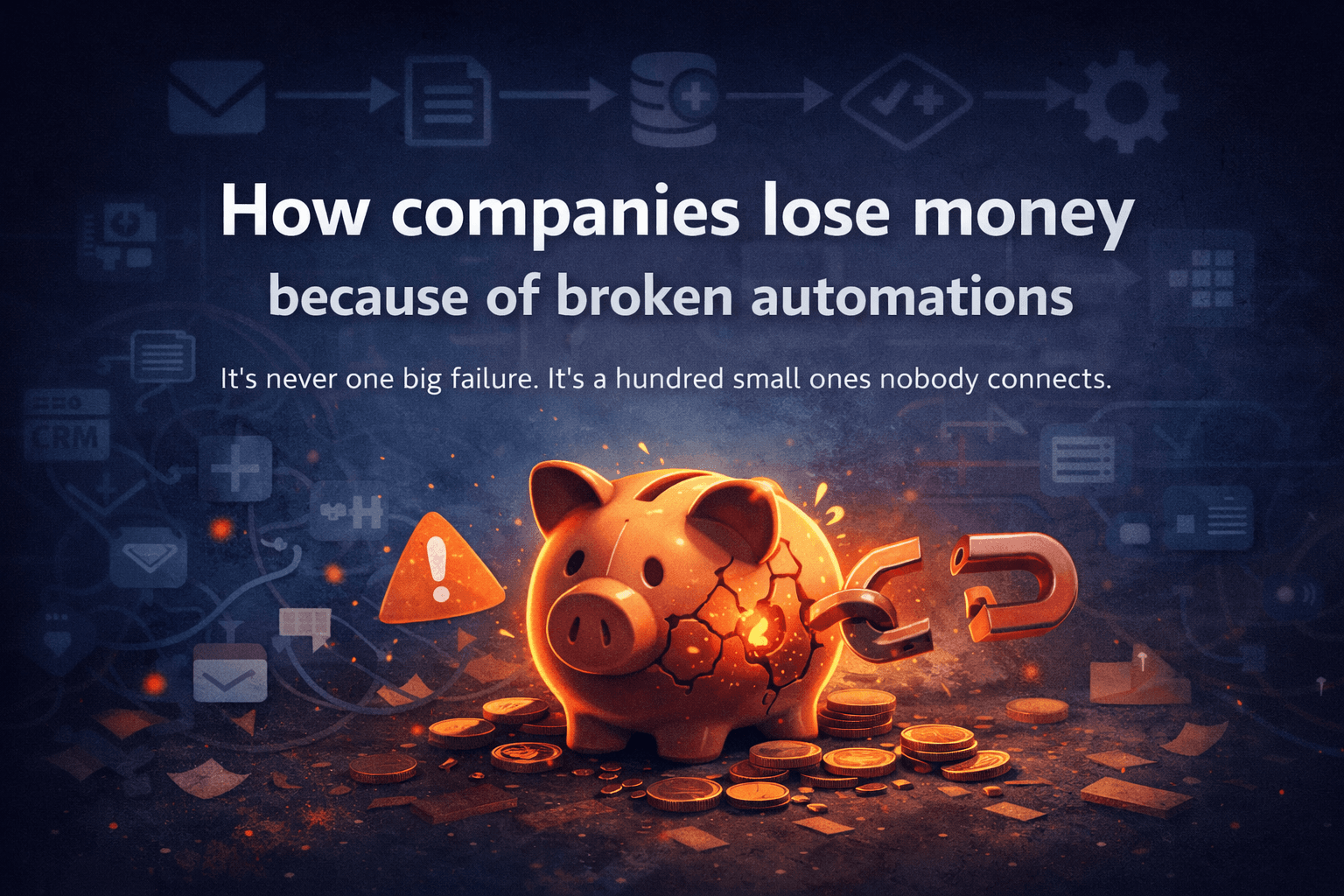
It's never one big failure. It's a hundred small ones nobody connects.
Many companies rely on Zapier and other automation tools to run sales, onboarding, invoicing, reporting, and internal workflows. When automations work, nobody notices. When they break, the problem often isn’t immediately visible — and that’s where companies start losing money without realizing why.
Nobody books a post-mortem for a broken Zap.
There's no incident report. No Slack channel called #automation-outage. No engineer paged at 2am. The automation just stops working — quietly, invisibly — and the business keeps moving, slightly worse than before, in ways that are hard to measure and easy to ignore.
That's what makes it expensive.
The failures you never find out about
Some broken automations announce themselves. A Zap errors out, you get an email notification, someone logs in and fixes it.
Most don’t work that way.
The Zap doesn’t error. It just stops triggering. Or it triggers but sends data to the wrong place. Or it runs fine but the field mapping broke three months ago when the CRM updated its API and now it’s writing lead source as “undefined” in every new contact record.
You won’t find that in a dashboard. You’ll find it six months later when someone tries to run a report and the data looks wrong and nobody can figure out why.
By then the damage is done.
Where the money actually goes
It’s rarely one catastrophic failure. It’s a slow drain across multiple failure modes.
Leads that don’t make it to the CRM
The form submission triggers. The Zap runs. But the field mapping is broken and the lead lands in the wrong pipeline — or nowhere. The sales team follows up on the leads they can see. Nobody follows up on the ones that disappeared.
Invoices that don’t get created
An automation that was supposed to create a draft invoice when a project is marked complete stopped working after an app update. Nobody noticed because the project manager assumed accounting handled it. Accounting assumed the automation handled it. Three clients got invoiced 60 days late.
Onboarding emails that never send
A new customer signs up. The welcome sequence automation errors silently. They never get the setup instructions. They don’t know what to do. They churn in week two and tell you the product was confusing.
Duplicate work nobody tracks
Two automations doing the same thing — one from 2021, one someone built last year because they didn’t know the first one existed. Double the Zapier tasks, double the API calls, occasional duplicate records in the CRM that someone has to manually clean up.
Time spent debugging instead of building
Every hour someone spends figuring out why an automation broke is an hour they’re not doing their actual job. If that happens twice a month across three people, you’ve lost a full day of work per month to automation maintenance — for a system nobody fully understands.
The problem with invisible losses
Technical failures that cause obvious downtime get fixed fast. The website is down — everyone knows, everyone acts.
Automation failures that cause invisible leakage get ignored — not because nobody cares, but because nobody connects the dots.
The sales team sees a slow month.
Finance sees some late invoices.
Customer success sees higher churn.
Each team has their own explanation. Nobody looks at the automation layer and asks:
“What changed?”
That’s the real cost of automation chaos — not the failures themselves, but the fact that they’re invisible long enough to become expensive.
What a broken automation actually costs
Take a conservative example.
A company runs 30 active automations. On average, two have silent issues at any given time — wrong field mapping, broken trigger, deprecated API connection.
Each broken automation causes roughly $300/month in lost efficiency or missed revenue — a few unrouted leads, some duplicate cleanup, one late invoice.
That’s \(600/month.
\)7,200 a year.
From two broken automations in a stack of thirty.
Most companies have no idea this is happening. There’s no line item for it. It just shows up as slightly lower numbers across multiple teams, explained away by other factors.
The fix isn’t more monitoring. It’s more visibility.
You can set up error alerts in Zapier. You should. But error alerts only catch the automations that fail loudly — the ones that throw an error and stop.
They don’t catch the automations that run successfully but produce wrong output. They don’t tell you which automations are redundant. They don’t show you which workflows are tied to credentials that no longer exist, or which ones haven’t triggered in six months but are still consuming your task quota.
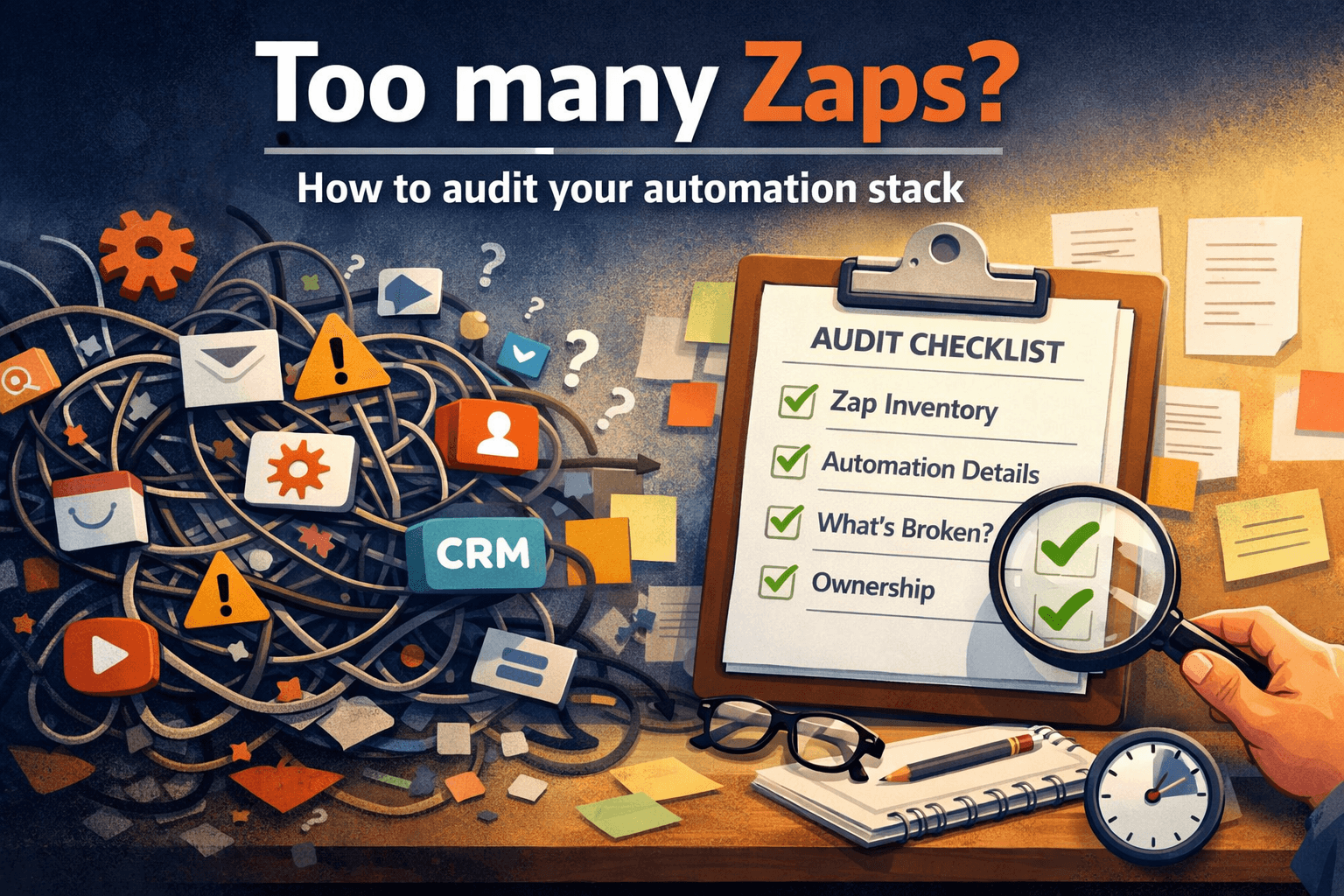
For that you need a different kind of visibility — a picture of your entire automation stack, what each workflow does, what it depends on, and whether it’s actually working the way it was designed to.
That’s not monitoring.
That’s documentation and audit.
And most companies don’t have either.
How to reduce automation-related losses
You don’t need to rebuild your automation stack to reduce this risk. Most companies can dramatically reduce automation-related losses by doing three things:
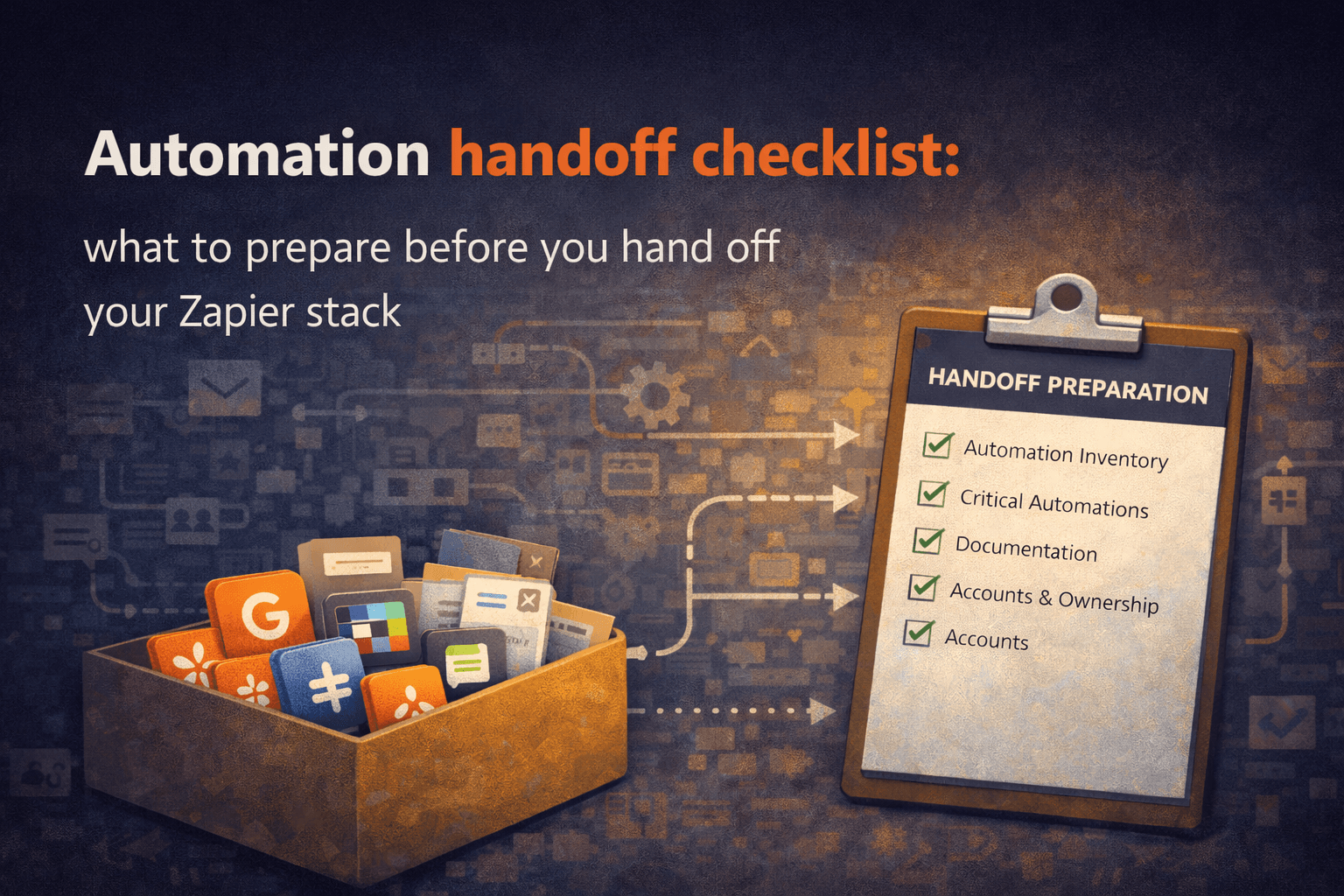
Create basic documentation for critical automations
Assign an owner for each important workflow
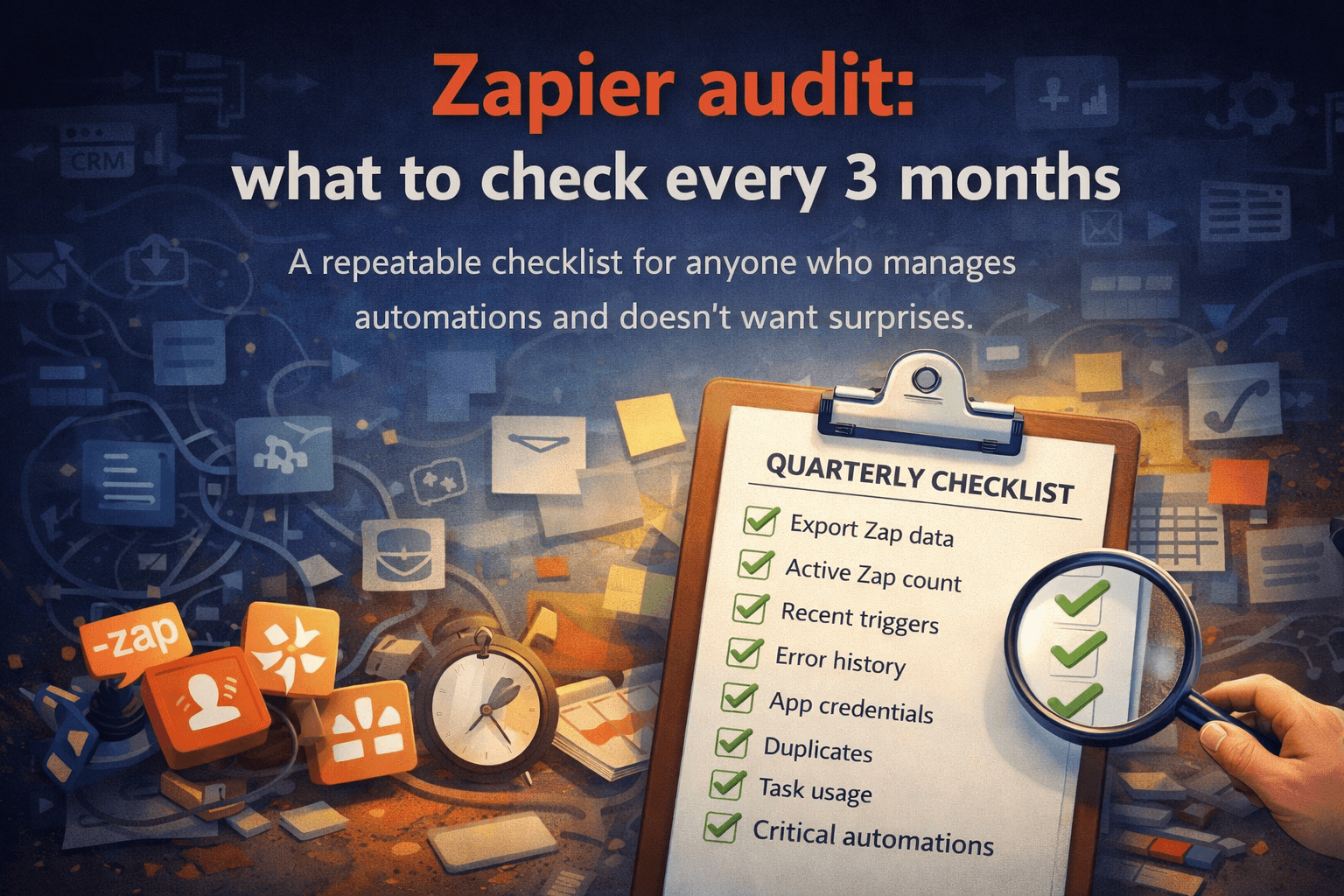
Run a basic automation audit every few months
The goal is not to eliminate automation failures. That’s impossible. The goal is to make sure that when something breaks, you know what broke, why it matters, and how to fix it quickly.
Automation systems don’t need to be perfect.
They need to be visible.
The question worth asking
If you turned off your ten least-used automations tomorrow — would anyone notice?
If the answer is “I’m not sure” — that’s your answer. You don’t have visibility into what your automation stack is actually doing. And without visibility, you can’t know what it’s costing you.
The money isn’t disappearing all at once.
It’s leaking, slowly, across a dozen small failures nobody is tracking.
Automation audit & documentation
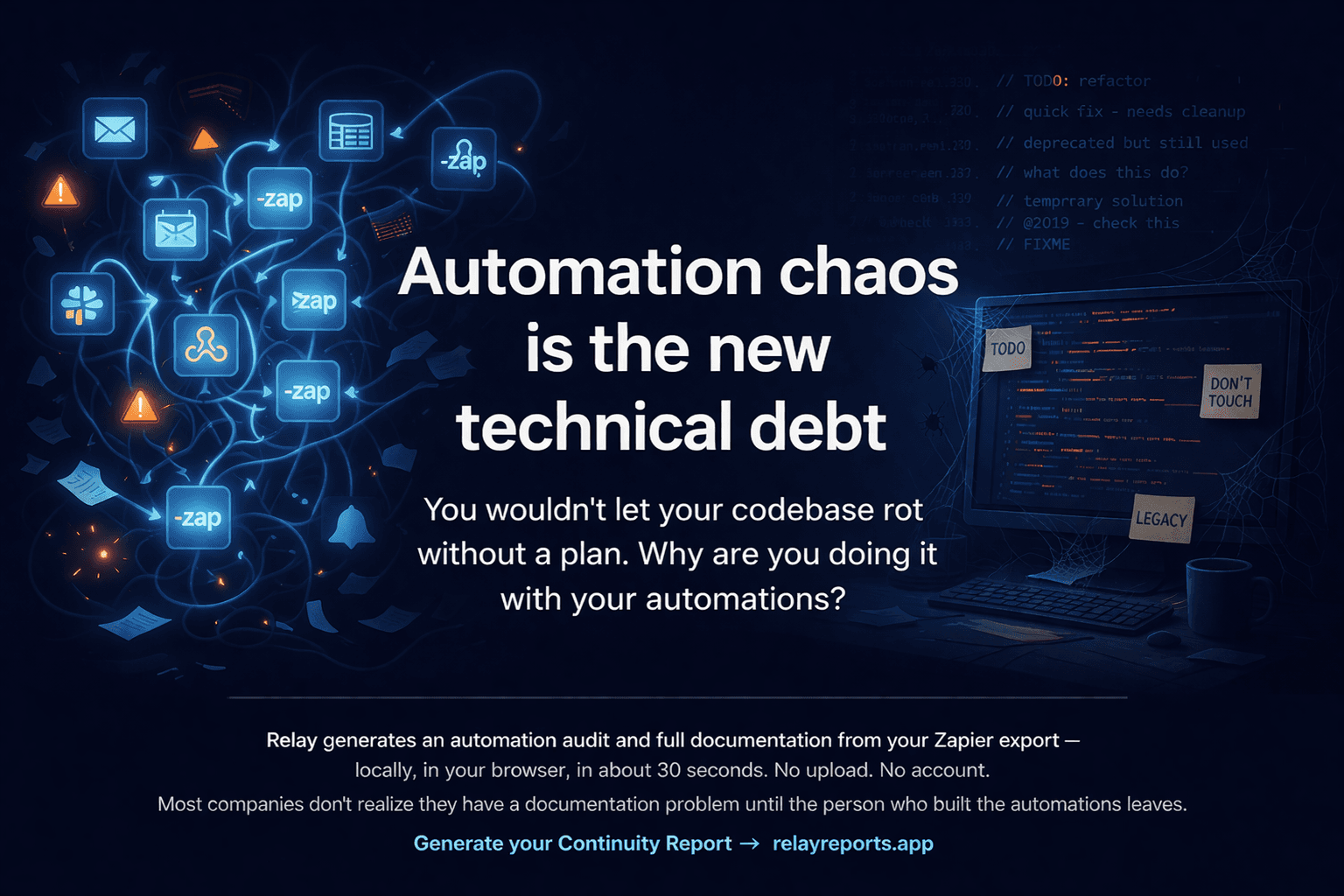
Relay generates an automation audit from your Zapier export — locally, in your browser, in about 30 seconds.
It shows:
which automations you have
which ones are redundant
which ones haven’t run in months
which ones might be costing you money
which workflows are critical
what your automation stack actually looks like
Run your free Automation Audit → relayreports.app