
I Inherited a Zapier Account and Have No Idea What Half of It Does

The person who built it is gone. The documentation doesn't exist. And somewhere in there, something is running your business.
You didn't ask for this.
Maybe someone quit. Maybe they got promoted. Maybe the company grew and suddenly you're the person "who knows about the automations" — even though three months ago you didn't know what a Zap was.
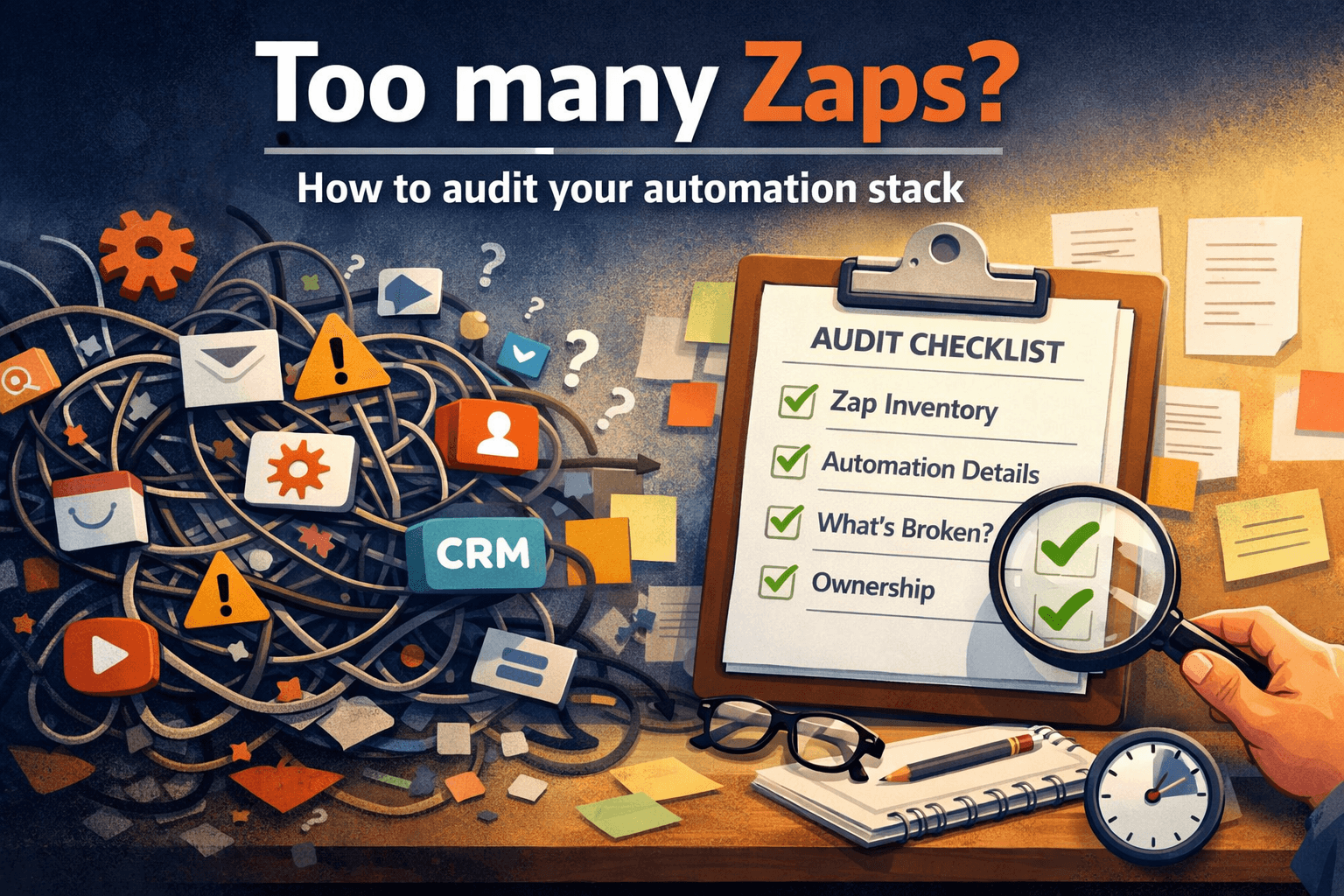
Now you're staring at 200+ Zaps, half of them with names like "New - Copy (3)" or "DON'T TURN OFF", and you have no idea which ones actually matter.
This is more common than anyone admits. And it's not your fault.
Here's what to do first.
Step 1: Don't touch anything yet
The instinct is to start cleaning up. Rename things. Delete the obvious junk. Don't.
Before you understand what's running, every change is a risk. That Zap with no name and no description that's been paused for six months? It might be paused on purpose, or it might be the thing that breaks invoicing when you turn it off.
Give yourself a freeze period — even just a week. Observe before you act.
Step 2: Get a list of everything that's actually on
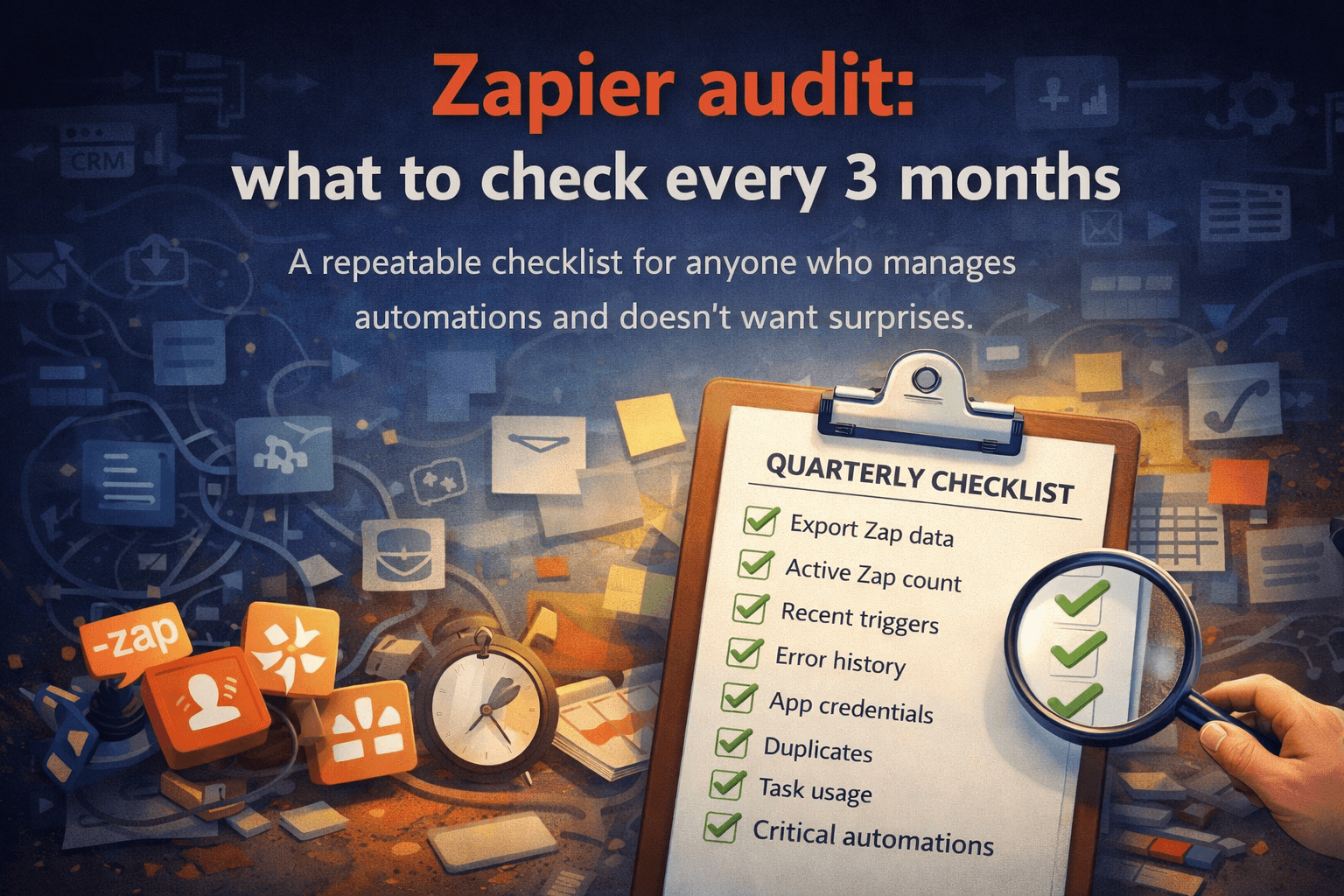
Go to your Zapier dashboard and filter by Active only. Ignore everything paused or off for now.
For each active Zap, note:
What app triggers it
What app it sends to
How often it fires (check task history)
When it last ran successfully
You're not trying to understand it fully yet. You're just trying to see the shape of it — what's alive and what's doing something real.
Step 3: Find the ones that touch money or customers
Not all automations are equal. Some send a Slack message when someone fills out a form. Fine if it breaks. Others create invoices, sync your CRM, or route support tickets.
Go through your active list and mark anything that:
Connects to your payment processor
Touches your CRM or customer data
Sends emails to customers
Creates or updates records in your main tools
These are your critical automations. You need to understand these first, before anything else.
Step 3.5: Find who originally asked for it
For each critical automation, try to find who requested it in the first place.
Automations don't appear out of nowhere — someone in sales needed leads routed a certain way, someone in finance needed invoices created automatically, someone in support needed tickets categorized. The business reason is usually simpler than the Zap itself.
Check Slack history, old emails, or just ask around. Even a one-line answer like "I think marketing set that up for the webinar follow-ups" tells you more than staring at the trigger configuration.
Understanding why something exists is often faster than understanding how it works.
Step 4: Ask one question to everyone who might know
Before you go deep on reverse-engineering, spend 30 minutes talking to people.
Ask your team: "Is there any automation you know about that you'd be scared to lose?"
You'll be surprised. Someone in sales knows about the lead routing Zap. Someone in ops knows the one that syncs orders. Nobody has the full picture, but together they might give you 70% of it.
Document what they tell you. Even rough notes beat nothing.
Step 5: Map what you have, even roughly
You don't need a perfect diagram. A spreadsheet with five columns is enough to start:
| Zap name | Trigger app | Action app | What it does (best guess) | Critical? |
|---|
Fill in what you know. Leave blanks where you don't. This map — even incomplete — gives you something to work from and something to hand off if you ever leave.
The real problem underneath all of this
What you're dealing with isn't a Zapier problem. It's a documentation problem — or rather, the absence of one.
When one person builds all the automations and then leaves, they take all the context with them. What's left is a system that works (mostly) but that nobody fully understands. It runs the business, and it's invisible.
The good news: you can recover from this. It takes time, but the steps above will get you from "panicking" to "functional understanding" faster than you'd expect.
If you want to get a structured overview of your Zapier account without spending days clicking through it manually — Relay Reports analyzes your Zapier export locally and generates a PDF summary of your entire automation stack. No data leaves your browser.