
How Companies Lose Control of Their Automations (Without Noticing)
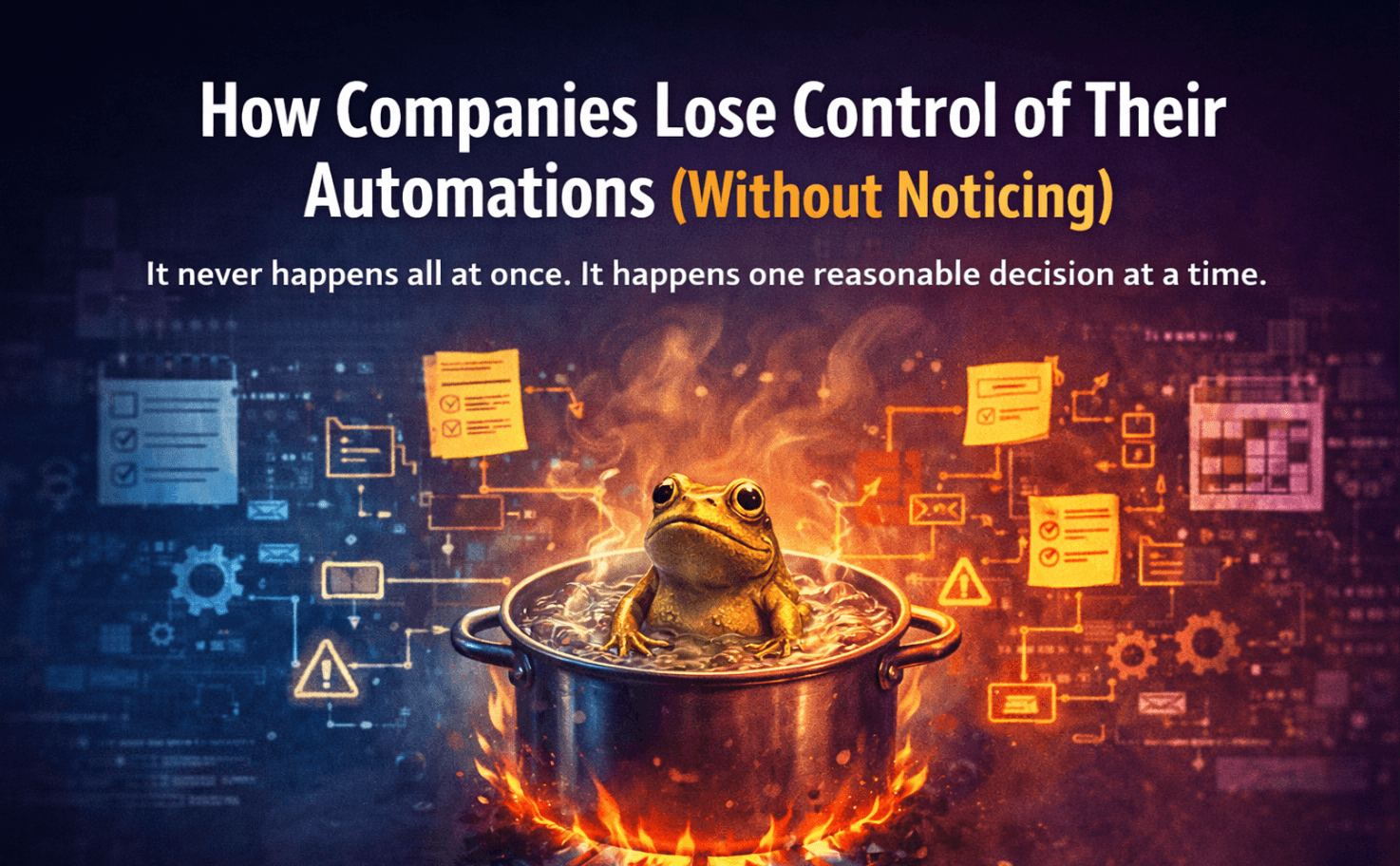
It never happens all at once. It happens one reasonable decision at a time.
Nobody sits down and decides to create an unmanageable automation stack.
It happens the other way around. Someone makes a sensible decision — automate this repetitive task, connect these two tools, save the team an hour a week. Then someone else does the same thing. And again. And again.
Each individual decision is reasonable. The cumulative result is a system that nobody fully understands, that touches critical parts of the business, and that's one personnel change away from becoming a serious problem.
Here's how it happens — and how to recognize the stages before you're too deep in.
Stage 1: The first automations (everything is fine)
It usually starts with one person.
They're good with tools. They discover Zapier, or Make, or whatever platform the company lands on. They build a few automations that genuinely help — leads from the contact form go straight into the CRM, new customers get a welcome email, completed orders update a tracking spreadsheet.
At this stage, everything is visible. The person who built the automations understands them completely. There are maybe five or ten workflows. Anyone could sit down with them and learn the whole system in an afternoon.
This stage feels like pure upside. And it is.
Stage 2: The stack grows (still manageable, but changing)
The automations work, so more get added.
Marketing wants their campaign signups routed differently. Sales wants lead scoring automated. Finance wants invoice creation triggered automatically. Support wants ticket categorization.
The original automation person — still the same one — builds all of it. They understand the full stack because they built all of it. But it's getting harder to hold in one head. There are now 40, 50, 60 active workflows.
Documentation starts getting skipped. There's always something more urgent. The automations work, so why spend time writing about them?
This is where the risk starts accumulating, invisibly.
Stage 3: Other people start building (the map fractures)
At some point, other people get Zapier access.
Maybe to reduce the bottleneck on the original person. Maybe because a new hire prefers to build their own workflows. Maybe because a contractor sets something up and hands it over.
Now the automation stack has multiple authors. Each person knows their piece. Nobody knows the whole thing.
The original person still knows the most, but their mental map is no longer accurate — there are workflows in the account they didn't build and haven't looked at. The new people know their automations but not the ones that came before them.
The full picture exists nowhere.
Stage 4: Someone leaves (the knowledge gap becomes critical)
This is the moment companies usually realize they have a problem.
The person who built most of the automations leaves — for a new job, a promotion, a reorganization. They do a handoff. It lasts an hour. They share their login, walk through the "important ones," and wish everyone luck.
What doesn't get transferred: the reasoning behind every decision. Why this trigger and not that one. Why this Zap runs before that one. What the weird edge case handler does and why it was needed. Which automations were temporary fixes that became permanent.
That institutional knowledge is gone. What's left is a system that still works — until something changes, breaks, or needs to be modified.
Stage 5: The system runs, but nobody really owns it
This is where a lot of companies quietly live.
The automations keep running. Most of the time, nothing breaks. But when something does break, it takes longer than it should to diagnose — because nobody has a complete picture. Fixes are made carefully, conservatively, because nobody wants to touch something they don't fully understand.
New automations get added around the edges of the existing stack rather than integrated into it, because integrating requires understanding what's already there.
The stack gets bigger. The understanding gets thinner. The gap between the two keeps widening.
The warning signs you're in this situation
You're losing control of your automation stack when:
Someone asks "how does X work?" and the honest answer is "I think it goes through Zapier somehow"
Fixing a broken automation takes longer than it should because nobody wants to touch anything
You have active Zaps with names like "New Zap" or "Copy of Copy of..."
A team member left and took the context for several workflows with them
You're not sure how many active automations you actually have
The last time anyone checked the error logs was... you're not sure
None of these individually means catastrophe. Together, they mean you've drifted into the zone where your automation stack is running the business but nobody's actually running the automation stack.
How to stop the drift
The good news: you don't need to rebuild everything to regain control.
What stops the drift is visibility — a simple, maintained record of what's running, what it does, and who owns it. Not a perfect system. Not comprehensive technical documentation. Just enough that the basic questions have answers.
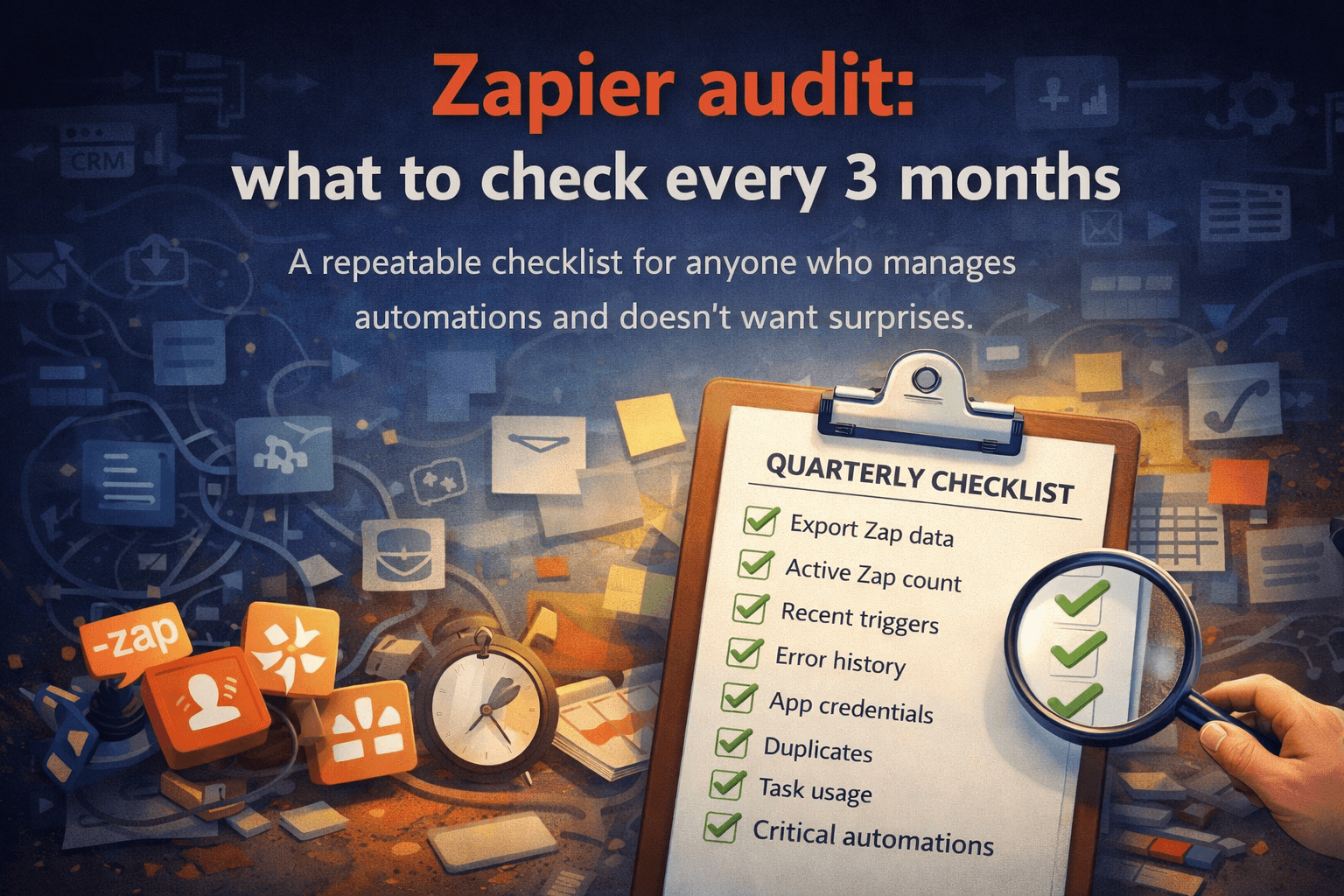
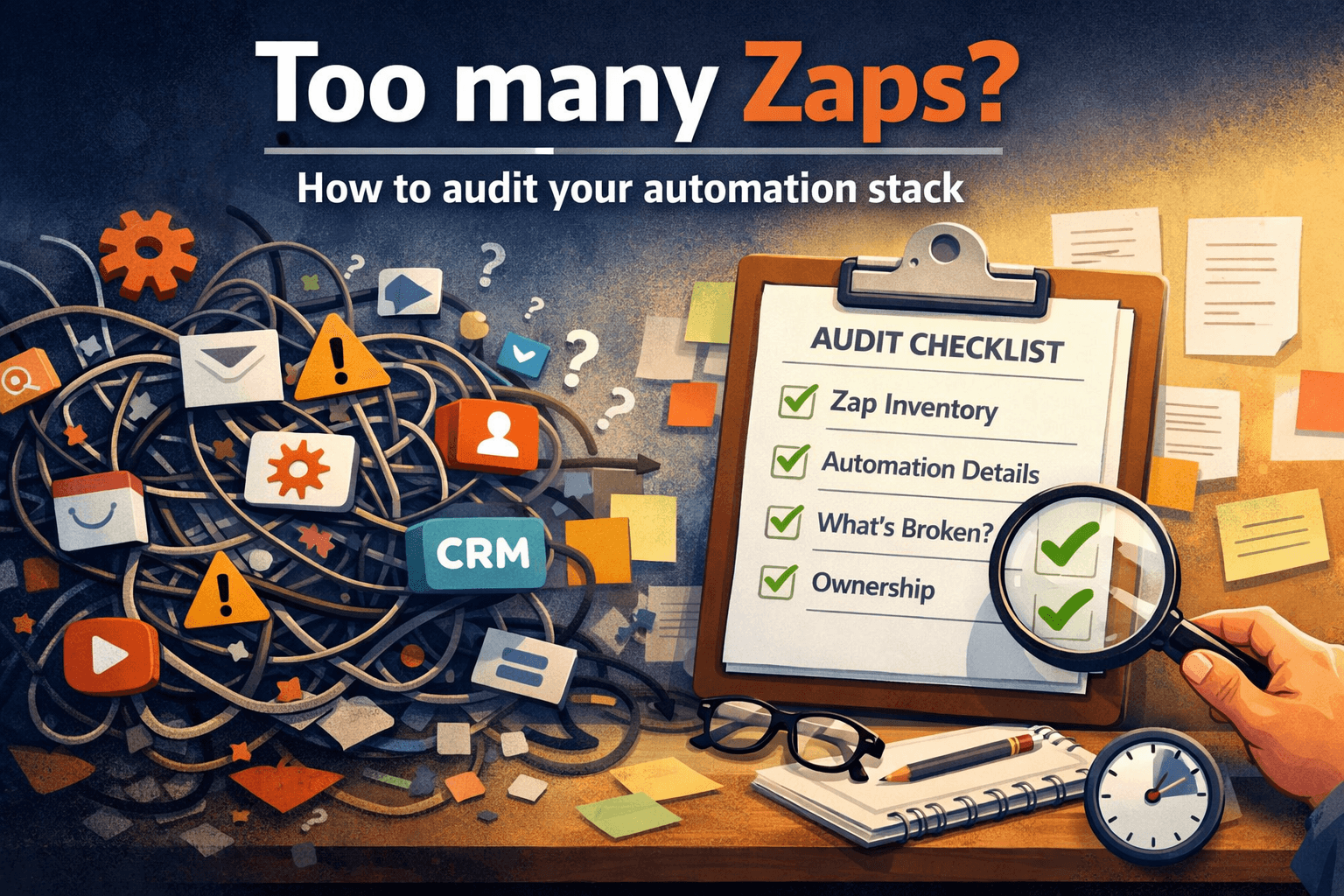
Start with an inventory. How many active automations do you have? What apps do they connect? This alone — just the list — changes how your team thinks about the stack.
Assign ownership. For every critical automation, there should be a person responsible for it. Not a team. A person.
Document as you go, starting now. You won't document everything retroactively. But you can document every automation you touch from this point forward. Over time, the documented percentage grows.
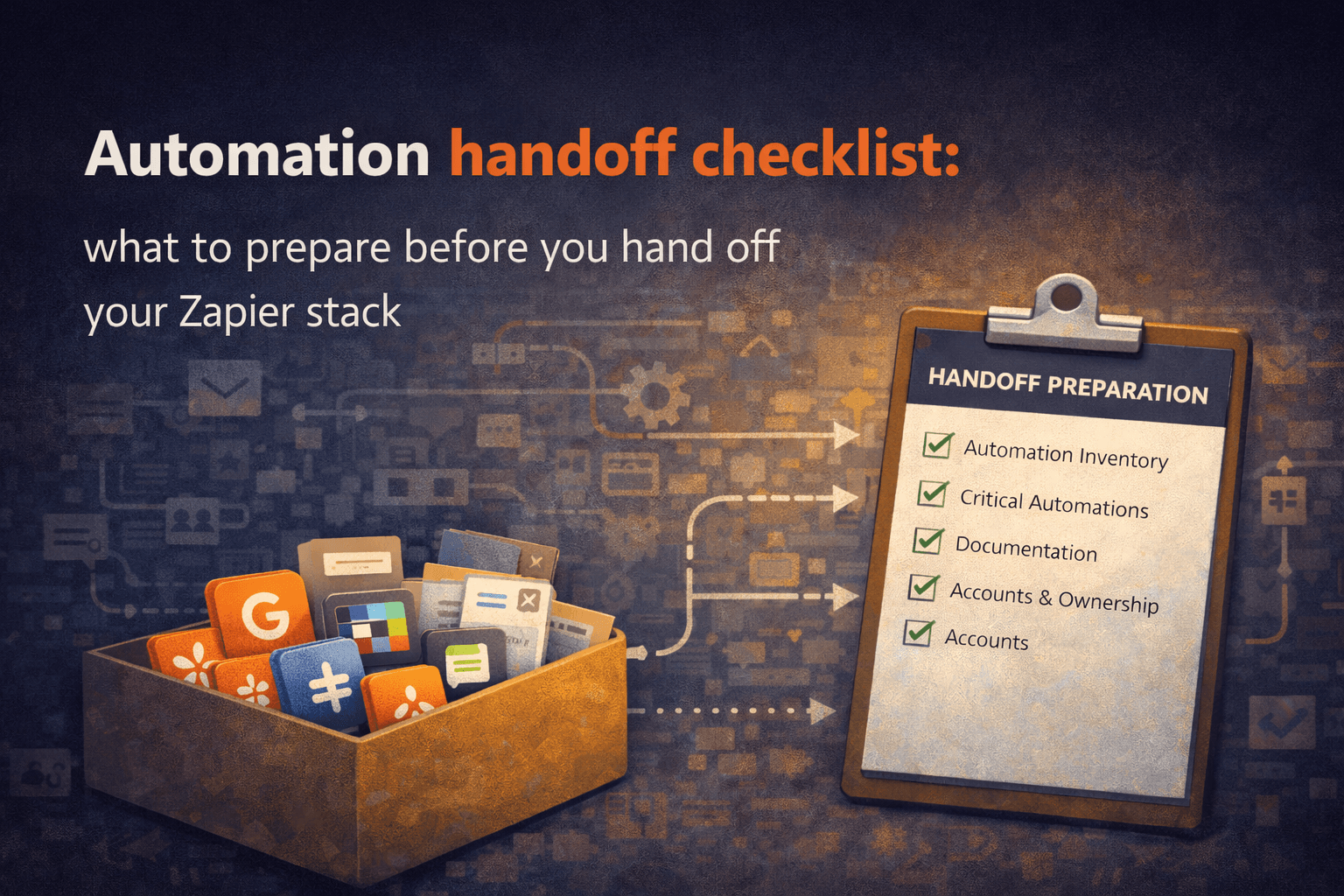
Build handoff into your offboarding process. When someone who manages automations leaves, their knowledge transfer should be structured — not an hour of "here's the login."
The goal isn't to eliminate the mess overnight. It's to stop adding to it — and to start making the invisible visible, one workflow at a time.
Want to see what's actually running in your Zapier account right now? Relay Reports analyzes your Zapier export and generates a structured PDF overview of your automation stack — active workflows, connected apps, and potential risk areas — without uploading anything to a server.